
User manual for Oregon Scientific Weather+ EM221 (Basic) and BAR228 (Advanced) Bluetooth weather sensors with app pairing, data logging, and alerts.
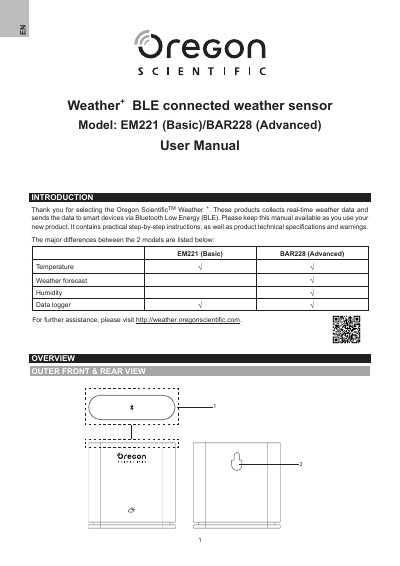
The Oregon Scientific Weather+ series includes two models: EM221 (Basic) and BAR228 (Advanced). Both collect real-time temperature, humidity, and pressure data and transmit it via Bluetooth Low Energy to a companion app. The Advanced model adds weather forecast and a data logger. The manual covers installation, battery insertion, pairing with the app, placement options, and app operation including live data, history, alerts, and settings.
The app supports up to 20 paired sensors, stores up to 20 days of data at 15-minute intervals, and provides customizable alerts for temperature, humidity, and pressure ranges. The device operates from -20°C to 60°C, uses two AAA batteries, and communicates within a 30-meter Bluetooth range. Troubleshooting tips address pairing issues, data sync, and low battery indications.
| Dimensions | 70 x 70 x 20 mm (2.76 x 2.76 x 0.79 in) |
|---|---|
| Weight | 58 g (2.05 oz) |
| Operating temperature range | -20°C – 60°C (-4°F – 140°F) |
| Weather display | Sunny / Cloudy / Overcast / Rain / Snow |
| Temperature resolution | 0.1°C (0.2°F) |
| Bluetooth range | 30 m (98 ft) |
| Humidity range | 25% – 95% RH |
| Pressure range | 700 – 1050 hPa |
| Device memory | 20-day data logger |
| App memory | Data logger (daily/weekly/monthly/yearly) |
| Power source | 2 x AAA (UM-4) batteries |
Ensure batteries are installed correctly and follow pairing instructions; press the reset button to restore defaults and pair again.
Check that the sensor and smart device are within 30 meters (98 ft) with no thick walls or large furniture blocking the signal; move the smart device closer if needed.
The Weather+ stores up to 20 days of data; if the smart device was disconnected for more than 20 days, only the last 20 days can be retrieved. Keep the device connected to receive all data.
The smart device may need several minutes to load existing weather data records; do not leave the app or the process will be interrupted.