
The document describes the features and characteristics of a metal framed LCD alarm clock called TA200, including time display in 12/24-hour format, alarm function, and calendar function from year 2000 to 2099.
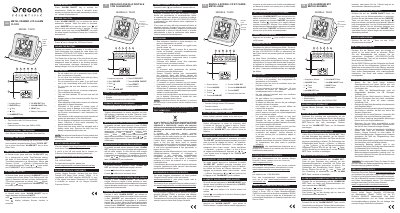
The document serves as a guide for the Oregon Scientific TA200 Metal Framed LCD Alarm Clock. It details how to activate the device by removing the protective slip and explains the functions of the keys, including setting the time (Hour, Minute, Second), calendar (Year, Month, Date), and alarm.
| Calendar Range | Year 2000 to 2099 |
|---|---|
| Battery Type | LR1130/LR1131/V10GA or equivalent |
| Battery Quantity | Two |
Press the key with the '12/24' symbol to toggle between 12-hour and 24-hour formats.
Use a needle or sharp pencil to press the Reset hole at the back of the unit.