
The document is about learning and gaming activities suitable for different age groups of children. Select an age group icon and then choose an activity. The contents include facts about the Earth and map activities.
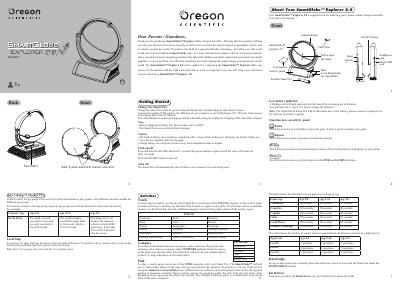
The Oregon Scientific SmartGlobe Explorer 2.0 is an interactive globe designed for ages 5 to 15+, featuring a built-in Smart Pen and Augmented Reality technology. Users can select age-appropriate content ranging from Earth facts to world news and play various games like 'Continents' and 'Capitals'. The device includes a local map drawer, inner activities panel for solar system exploration, and comparison tools.
| Recommended Age Groups | Age 5-8, Age 9-14, Age 15+ |
|---|---|
| Charging Time | about 2 hours |
| Power Input | 5 V , 500 mA |
Connect the supplied USB cable to a computer or USB charger (5 V, 500 mA) and plug it into the Smart Pen's micro USB jack.
The app requires iOS 8.0+ with at least 1GB RAM and 1GB storage space, or Android devices meeting similar minimum configurations.
Register your Smart Pen using the PC software and connect it to the internet via USB cable to download updates.