
This is the user manual of Olympus XZ-1 digital camera, which introduces the functions and usage of the camera.
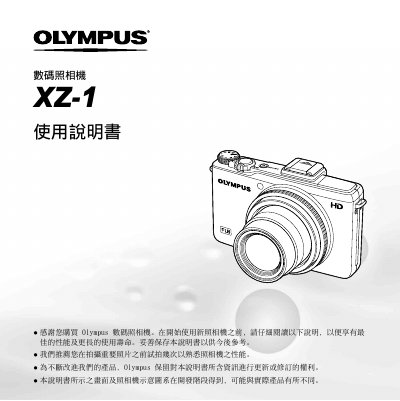
This document is the user manual for the Olympus XZ-1 digital camera. It guides users through preparing the camera, including checking included items and setting up the battery and memory card. The manual explains how to use the various controls, such as the mode dial, control ring, and direct button, to operate the device. This manual is written in Chinese.
The box contains a digital camera, a strap, a lens cap, an F-2AC USB-AC adapter, a LI-50B lithium-ion battery, a USB cable, an AV cable, and an OLYMPUS Setup CD-ROM.
Press the A button during shooting to display the live control, which allows you to adjust functions while previewing effects.
The mode dial is used to select the shooting mode.