
Olight SR Mini Intimidator flashlight user manual covering battery installation, operation modes, charging, specifications, and warranty.
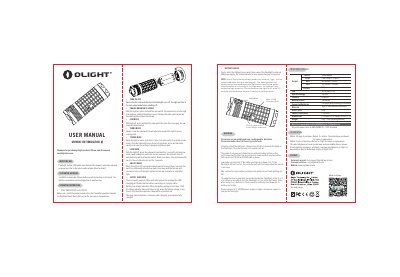
This user manual is for the Olight SR Mini Intimidator flashlight. It explains how to install the batteries, charge the unit, and operate the side switch.
The document also covers output modes such as low, medium, high, turbo, and strobe, lock and unlock functions, the status indicator, technical specifications, and warranty terms.
| Output | 1,600 lumens / 3 hours |
|---|---|
| LED | 3xCree XM-L2 CW |
| Operate Voltage | 2.8 to 6v |
| Candela | 18,000cd |
| Beam Distance | 268 meters |
| Supported Batteries | 3 x 18650 (with protecting circuit board) |
| Material | Type Ⅲ hard anodized aluminum |
| Weight | 181g / 6.4oz (excluding batteries) |
Slide the USB port cover aside and connect the flashlight to an external USB power supply; red means charging and green means fully charged.
It supports 3 x 18650 rechargeable lithium batteries with a protecting circuit board and a protruding button on the positive pole.
Hold the switch for one more second after low mode to lock, or press and hold for more than 2 seconds to unlock.
Return to the retailer within 30 days of purchase, or to Olight within 5 years of purchase.