
This document is the user manual for the Olight RN 1500 flashlight, covering operation instructions, specifications, and charging methods.
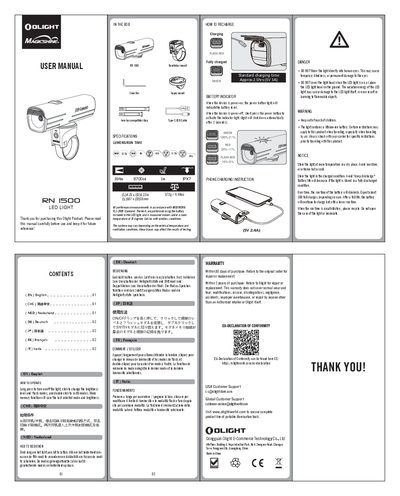
The Olight RN 1500 is a portable illumination tool featuring a maximum output of 1500 lumens with an IPX7 water resistance rating. The device includes a lithium-ion battery and supports standard USB-C charging via the included cable.
Operation involves long-pressing the power button to turn the light on or off, single-clicking to adjust brightness levels or flash modes, and double-clicking to switch between different lighting modes. A mode memory function saves the last selected settings for quick access upon reactivation. This manual is written in Chinese.
| Maximum Output | 1500 LM |
|---|---|
| Beam Distance | 164m |
| Maximum Candela | 6700cd |
| Dimensions (LxD) | 107 x 31mm |
| Weight | 172g / 6.08oz |
| Standard Charging Time | Approx. 2.5hrs (5V 3A) |
Long press the power button to turn the light on or off.
Click (single press) the power button to change the brightness level and flash modes.
Use a Type-C USB cable to connect the device for phone charging at 5V 2.4A.