
This document describes the warranty policy and instructions for using Olight brand products, including the warranty period, repair methods, and non-covered situations. It also introduces the features of the products, such as soft trigger, multiple brightness modes, etc.
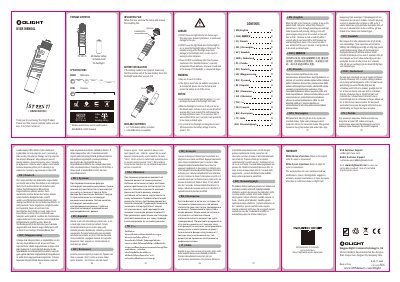
This document serves as a user guide for Olight flashlights, explaining how to operate the device. It details the default low brightness mode upon startup and instructions for switching between momentary and constant modes using the switch. The guide covers battery insertion orientation and notes that output may be limited if battery voltage drops below 1.2V.
When the flashlight is first turned on, it will go to low as the default mode.
Continue to click on and off within 2 seconds after it was turned off to shift between low and high brightness levels.
It will go directly to low mode as default again.
It is normal for the flashlight not being able to reach 300 lumens when the battery voltage is too low (under 1.2V).