
This user manual covers the Olight R50 Pro Seeker flashlight, detailing operation modes like Turbo and Strobe, charging procedures, safety warnings, and…
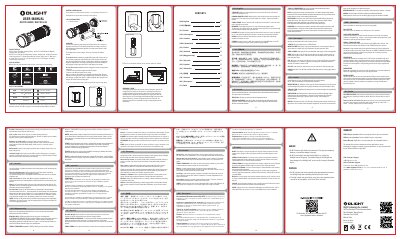
The document serves as a comprehensive guide for the Olight R50 Pro Seeker flashlight. It outlines the contents of the package, including the flashlight with battery, holster, and various charging accessories. The manual provides detailed instructions on how to turn the device on and off, adjust brightness levels between low, medium, high, Turbo, and Strobe modes, and utilize features like the lockout function.
| Material | Aircraft-grade aluminum body with anti-scratch type-III hard anodizing |
|---|---|
| Battery Type | 1 x 26650 (customized) |
| Dimensions | 1 m 10 Hz (L) 128 x (D)42 mm |
| Weight | 262g (including battery) |
| LED Type | Cree XHP70 CW |
To access the turbo mode, double click the side switch.
Triple click the side switch to access the strobe mode.
The memorized high mode will change to medium mode 10 minutes later.
Connect the light to a USB power supply with the included USB cable; red LED indicates charging is in progress.