
User manual for the Nova VS3 Rev1.0.0 multi-screen splicing processor, covering features, connections, menu operation and troubleshooting.
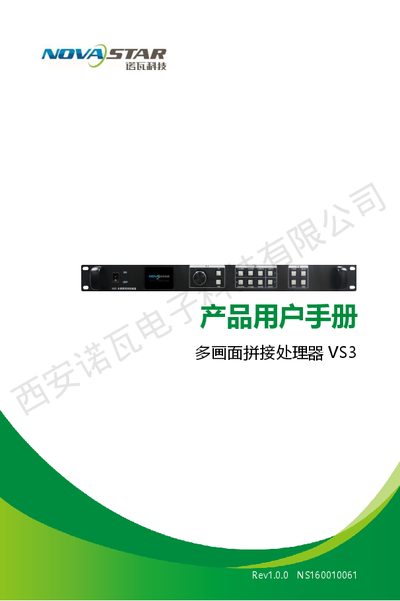
The Nova VS3 Rev1.0.0 is a multi‑screen splicing processor designed for video wall applications. This manual provides an overview of the front and rear panel, electrical parameters, and supported input/output interfaces.
It explains how to connect signals, navigate the menu system, configure screen layouts, and use the accompanying control software. Safety warnings, network settings, and a troubleshooting guide are also included. This manual is written in Chinese.
| Input voltage | AC 100‑240 V, 50/60 Hz |
|---|---|
| Power consumption | 30 W |
| Operating temperature | -20 °C ~ 60 °C |
| Dimensions | 482 mm × 250 mm × 45 mm |
| Weight | 3.5 kg |
| CVBS inputs | 2 |
| DVI outputs | 4 (max 1080p@60 Hz) |
It operates on an AC input voltage of 100‑240 V, 50/60 Hz.
Select the factory reset option in the advanced settings to restore all default configurations.
Enter the network settings menu to select automatic or manual mode, then set IP address, subnet mask, and other parameters as needed.