
Key facts
- Brand
- NetComm
- Model
- NTC-220 Series
- Category
- Router
- Industry
- Electronics
- Documents
- 2
- Languages
- EN
- Last added
- 2026-11-03
Start here
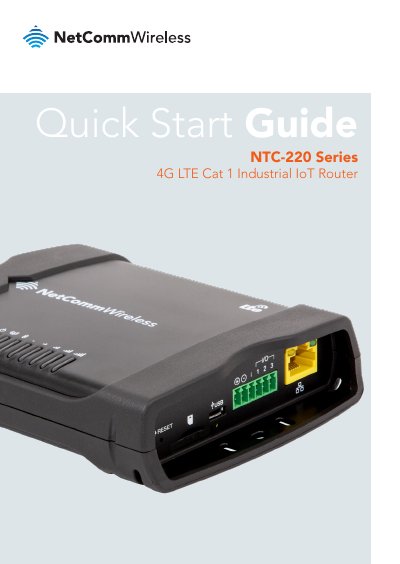
NetComm NTC-220 Series 4G LTE Cat 1 Industrial IoT Router Quick Start Guide
This Quick Start Guide is designed to help users get the NetComm NTC-220 Series Router up and running quickly. It covers package contents, device overview, LED indicator descriptions, and initial setup steps. More advanced configuration instructions can be found in the separate user guide available on the manufacturer's website.
Read onlineNetComm NTC-220 Series specifications
| SIM Card Port | Removable tray |
|---|---|
| Ethernet Port | RJ45 Fast Ethernet port |
| USB Port | Micro USB 2.0 OTG |
| Serial Port | Female DE-9 |
| Reset Button Hold Time (Normal Mode) | Less than 5 seconds |
| Reset Button Hold Time (Recovery Mode) | 5 to 15 seconds |
| Reset Button Hold Time (Factory Default) | 15 to 20 seconds |
| RF Exposure Distance | 20 cm |
Source: NetComm NTC-220 Series 4G LTE Cat 1 Industrial IoT Router Quick Start Guide
All NetComm NTC-220 Series documents by type
The shortest path to a working setup, usually only a few pages.
Day-to-day operation, settings and troubleshooting. Start here if the product is already set up.
Questions answered in these manuals
What is included in the NTC-220 Series package?
The package includes the router, DIN rail mounting bracket, horizontal adapter, terminal block, cellular antennas, quick start guide, Ethernet cable, and SIM tray.
From: NetComm NTC-220 Series 4G LTE Cat 1 Industrial IoT Router Quick Start Guide
How do I reset the router to factory default settings?
Press and hold the reset button for 15 to 20 seconds until the LEDs turn red and extinguish in sequence.
From: NetComm NTC-220 Series 4G LTE Cat 1 Industrial IoT Router Quick Start Guide
Which models are covered in this guide?
This document covers the NTC-221, NTC-222, NTC-223, NTC-224, NTC-225, and NTC-227 routers.
What is the target audience for this manual?
The document is intended for system integrators or experienced hardware installers who understand telecommunications terminology.