
Japanese user manual for the Midland BT X1 PRO S motorcycle intercom, covering operation modes, Bluetooth pairing, FM radio, volume adjustment and…
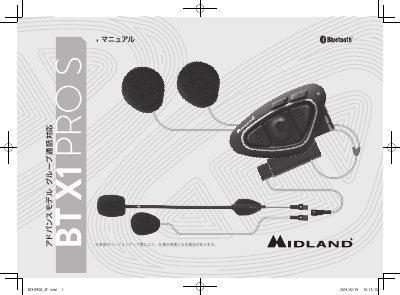
The BT X1 PRO S is a motorcycle intercom from Midland. It has three main buttons, Hi-Fi speakers, AGC automatic volume control, and supports intercom and group call modes. Up to three devices can be registered (two Midland units and one other brand), with a stated communication distance of 800 m in intercom mode and 700 m in group call mode.
It also supports Bluetooth connections to smartphones and GPS navigation devices, wide FM radio with five station memory, and music sharing between rider and passenger. The manual covers safety precautions, operation modes, Bluetooth pairing, resetting pairing information, FM radio use, volume adjustment, and troubleshooting. This manual is written in Japanese.
| Intercom communication distance | 800 m |
|---|---|
| Group call communication distance | 700 m |
| Maximum registered devices | 3 (2 Midland, 1 other brand) |
| Simultaneous talkers | 3 riders |
It is 800 m in intercom mode and 700 m in group call mode.
Up to three devices can be registered: two Midland units and one unit from another manufacturer.
Turn on Bluetooth on the smartphone, search for and select "Midland BTX1 PRO", and enter "0000" if a security code is requested.
Use the included micro USB cable to connect the intercom to a computer or USB charger and confirm that the red lamp is flashing; when charging is complete the blue LED lights.