
This manual describes the features and operation of the GXT300/325/310/400/450 series GMRS/FRS radios.
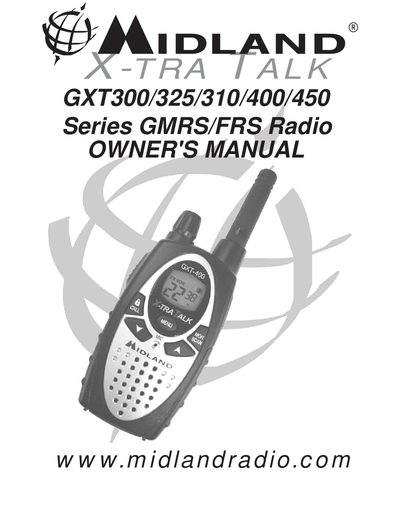
The document serves as the owner's manual for the Midland GXT300/325/310/400/450 Series GMRS/FRS Radios. It covers essential setup procedures including battery installation, belt clip attachment, and charging optional NiMH packs. The guide details how to operate the radio features such as eVOX, scan functions, privacy codes, and weather band reception where applicable.
| Channels (GMRS/FRS) | 22 GMRS/FRS Channel |
|---|---|
| Privacy Codes | 38 Privacy Codes |
| Power Settings (GXT310/400/450) | H/M/L |
| Power Settings (GXT300/325) | H/L |
The radio operates with either 4 AA alkaline batteries or an optional NiMH battery pack.
The initial charge time is 24 hours, and subsequent charges take 12 hours.
A LOW BATTERY ICON appears on the LCD display when the voltage level is low.