
This manual introduces the basic functions of the Midland WR-100 All Hazards Weather Alert Radio, including how to use the radio with batteries and AC adapter, how to set up the weather/hazard channel, and how to receive weather alerts.
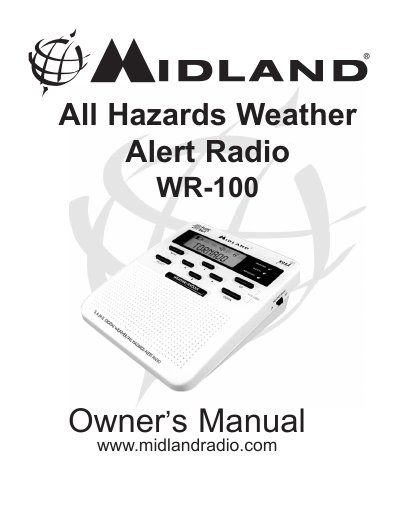
The Midland WR-100 is an all-hazards weather alert radio designed to receive emergency broadcasts from the National Weather Service (NWS). It features a special receiver that tunes to 24/7 NWS broadcasts, providing alerts for severe weather events such as tornadoes, hurricanes, floods, and ice/snow storms. The device also monitors civil emergencies like Amber alerts and hazardous explosions.
| Battery Requirement | 3 AAA alkaline batteries |
|---|---|
| Power Source | AC Adapter or Batteries |
| Alert Types | DISPLAY, VOICE, TONE |
You can obtain codes by calling the NWS toll-free number at 1-888-NWS-S.A.M.E or visiting www.nws.noaa.gov/nwr/indexnw.htm.
The radio comes preprogrammed to receive alerts for all S.A.M.E. county codes within range, set to 'ANY'.
When the VOICE alert type is chosen, the alert sounds for 8 seconds.