
User manual for the Microscan MS-2 CCD Reader covering setup, installation, configuration, communications, read cycle, symbologies, terminal, and utilities.
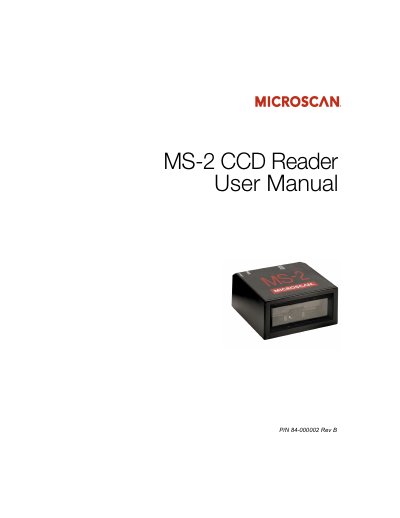
This manual provides complete information on setting up, installing, and configuring the Microscan MS-2 CCD Reader. It describes ESP and serial-command configuration, communications, read cycle settings, supported symbologies, terminal use, and utilities.
The MS-2 is an ultra-compact CCD reader with LED illumination, a programmable beeper, LED status indicators, a 32-bit processor, and an IP54-rated enclosure. It supports RS-232 or USB 1.1 Keyboard Mode connectivity and has a low power draw of 5 V and 150 mA.
| Power draw | 5 V, 150 mA |
|---|---|
| Scan rate | Up to 530 scans per second |
| Decode rate | Up to 55 decodes per second |
| Enclosure rating | IP54 |
| Connectivity | RS-232 or USB 1.1 (Keyboard Mode only) |
| Processor | 32-bit |
| Maximum LED output | 141.2 µW |
| Power supply rating | 5 VDC at 3.5 Watts or greater with electrical accessories |
| Density options | High Density and Low Density |
It supports RS-232 or USB 1.1 in Keyboard Mode only; Virtual COM serial emulation is not supported.
The reader has a low power draw of 5 V and 150 mA.
The MS-2 has an IP54-rated enclosure.
The maximum LED output is 141.2 µW.