
Microscan QX Hawk Industrial Imager User's Manual

This manual introduces the use of QX Hawk industrial imaging device.
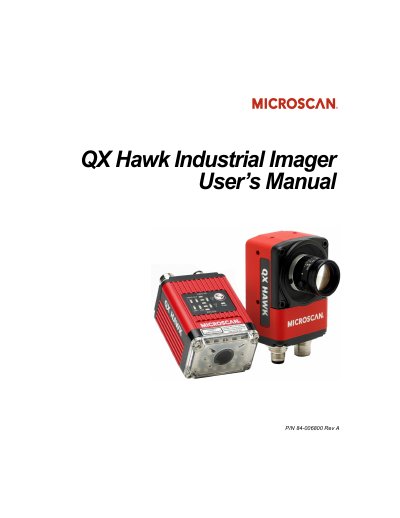

Microscan QX Hawk Industrial Imager User's Manual - cover page
Brand
Microscan
Category
Industrial Robot
Document type
User Manual
Language
English
Pages
446
File format
PDF
File size
9.4 MB
Published
19 October, 2023
Updated
19 October, 2023
MD5 checksum
35F93028BF3794F548FBF32BE64E0E6B

About this manual

The QX Hawk Industrial Imager is a high-resolution device featuring a modular optical zoom system and fully integrated liquid lens technology. It supports standard and C-mount versions and includes embedded Ethernet TCP/IP for connectivity. The device utilizes X-Mode algorithms and features an EZ Button for simplified setup and testing.

What's inside

  • Quick Start
  • Using ESP EZ Mode
  • Hardware Integration
  • Setup Video
  • Parameters Communication
  • Diagnostics
  • Terminal Window
  • Utilities
  • General Specifications
  • Electrical Specifications

Specifications

Enclosure RatingIP65/67
Focus TechnologyFully integrated liquid lens
ConnectivityEmbedded Ethernet TCP/IP
AlgorithmsX-Mode

Frequently asked questions

What are the available versions of the QX Hawk?

The QX Hawk is available in Standard and C-Mount versions.

Where is the warning label located on the imager?

The warning label is located on the QX Hawk Industrial Imager itself.

Download PDF (9.4 MB)

More Microscan Manuals


View all Microscan manuals →