
The manual describes setup, features, specifications and operation of Microscan's MicroHAWK barcode scanners (ID‑20, ID‑30, ID‑40).
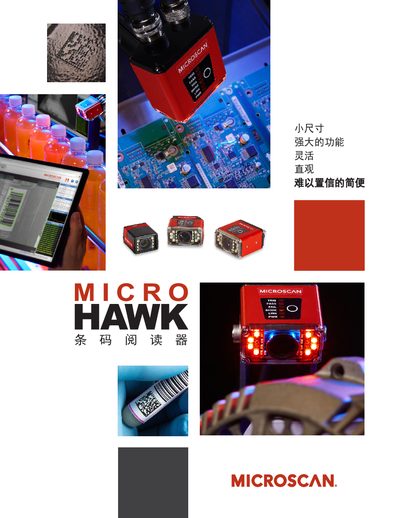
The MicroHAWK series provides ultra‑compact industrial barcode scanners with built‑in imaging engines, configurable lighting and a browser‑based WebLink interface. Models ID‑20, ID‑30 and ID‑40 differ in size, IP rating and connector options, but all support USB, Ethernet and RS‑232 communication.
Installation is plug‑and‑play: connect power, attach the chosen interface cable, and open a web browser to the scanner’s IP address. The WebLink UI lets you adjust illumination, decoding modes and view live images without installing any software. This manual is written in Chinese.
| IP Rating (ID‑40) | IP65/67 |
|---|---|
| Physical Size (ID‑20) | 19.5 mm × 28.7 mm × 33.9 mm |
| USB Interface | USB 2.0 High Speed |
| LED Illumination | 4 White + 4 Red LEDs (inner) |
| Operating Temperature | 0 °C to 40 °C |
| Read Distance | 50 mm to 300 mm |
Connect power and the desired interface, then open a web browser, enter the scanner’s IP address, and use the WebLink UI to set parameters and view live data.
The scanners support USB 2.0 High Speed, Ethernet over USB, and RS‑232 serial connections.
They can read barcodes from 50 mm up to 300 mm depending on the model and lighting configuration.