
This manual introduces the use of MicroHAWK ID-20 / ID-30 / ID-40
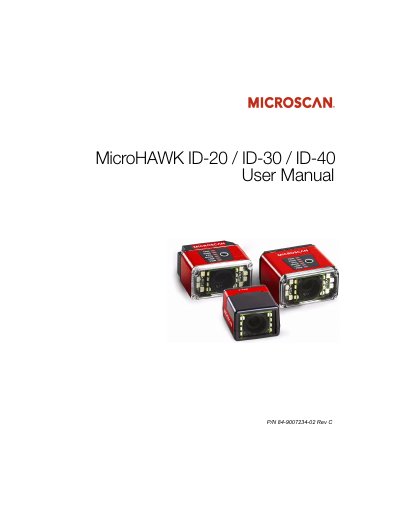
This manual provides step-by-step instructions for installing, configuring, and operating the MicroHAWK ID-20, ID-30, and ID-40 barcode readers using WebLink or ESP Software. It covers hardware setup, communication protocols, calibration, symbology support, I/O parameters, and firmware management. The readers are designed for industrial use with customizable software and hardware options.
The manual includes detailed sections on using WebLink for intuitive configuration, ESP Software for advanced settings, serial commands for direct control, and troubleshooting tools. It also details compliance with FCC, CE, and UL standards, and provides technical specifications for electrical and operational parameters.
| Model | MicroHAWK ID-20 / ID-30 / ID-40 |
|---|---|
| Brand | Microscan |
| Document Number | P/N 84-9007234-02 Rev C |
| Language | English |
| Compliance Standards | FCC, CE, UL |
They are the world’s smallest industrial barcode readers, able to read any symbol on any surface, with an intuitive WebLink interface and customizable options.
The manual documents the hardware and firmware of the MicroHAWK ID series of readers, as well as the software used to configure and operate those readers.