
The MICI multi‑function broadband router user manual explains hardware installation, configuration steps and troubleshooting in Chinese.
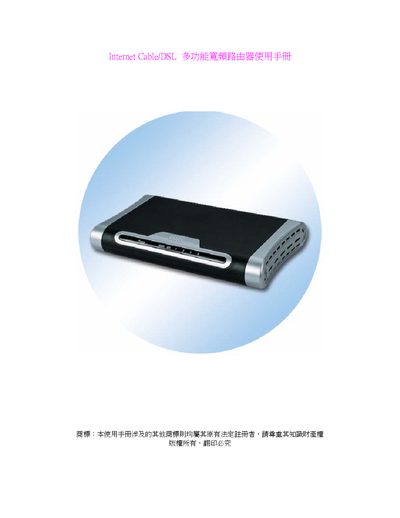
This manual introduces the MICI Internet Cable/DSL multi‑function broadband router, its web‑based configuration interface, and the supported networking features such as NAT, routing, virtual server and DHCP. It also lists the hardware and software specifications required for operation.
The guide provides step‑by‑step instructions for hardware installation, initial setup via a browser (default IP 192.168.1.1), WAN configuration options (static IP or PPPoE), LAN settings, and how to reset the device to factory defaults. A troubleshooting section addresses common connection problems and how to retrieve IP and MAC information. This manual is written in Chinese.
| Ports | 4 x 10BaseT/100Base TX RJ‑45, 1 x 10M/100M WAN |
|---|---|
| Supported standards | IEEE802.11b, IEEE802.3, IEEE802.3u, PPPoE |
| Maximum WAN speed | 100 Mbps |
| LAN speed options | 10 Mbps or 100 Mbps |
Select “PPPoE”, then enter the ISP‑provided username and password; leave other options at their defaults.