
This document provides troubleshooting solutions for Stiletto 100 wireless network connection issues. It includes solutions for problems such as Wi-Fi network not appearing in the list, unable to connect, and channel unavailable.
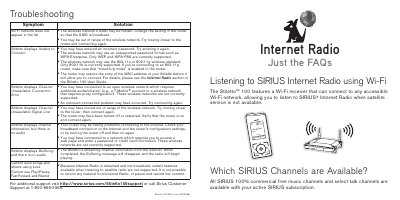
This document is a Wi-Fi insert for the Sirius Stiletto 100 Internet Radio. It explains how to connect the device to a wireless network to stream music and talk channels when satellite service is unavailable. The guide covers the setup process, including selecting a network and entering a password, and lists supported wireless standards like 802.11b and WPA/WEP security.
| Supported Security Protocols | WEP and WPA |
|---|---|
| Router Range | 50 to 100 feet |
The device supports 802.11b networks. It does not support 802.11a or 802.11g.
No, the device does not currently support paid networks that charge an access fee or require a monthly subscription.
The device is streaming channel information from the Internet. Audio will begin once the message disappears.