
This document is a guide to the Internet Connection Guide, which explains how to connect the instrument directly to the internet and enjoy various content.
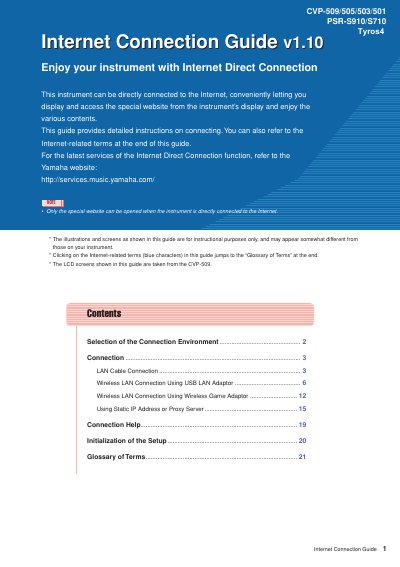
This guide provides detailed instructions on how to connect specific Yamaha digital instruments directly to the Internet. It covers various connection environments including broadband routers and modems, as well as different hardware options like wired LAN cables and wireless adaptors.
The document outlines step-by-step procedures for setting up connections using a standard LAN cable, a USB wireless LAN adaptor, or a wireless game adaptor. It also explains how to configure static IP addresses or proxy servers if necessary.
| Supported Models | CVP-509/505/503/501, PSR-S910/S710 |
|---|---|
| Required Connection Type | Full-time online connection (ADSL, optical fiber, cable Internet) |
| Unsupported Connection | PPPoE communication |
No, it is not possible to directly connect to the modem without a router because the instrument does not support PPPoE communication.
No, dial-up and ISDN connections cannot be used with this instrument.