
This quick installation guide explains how to set up the Mercury MW300A home 300 M wireless AP, covering hardware connection, network configuration, and…
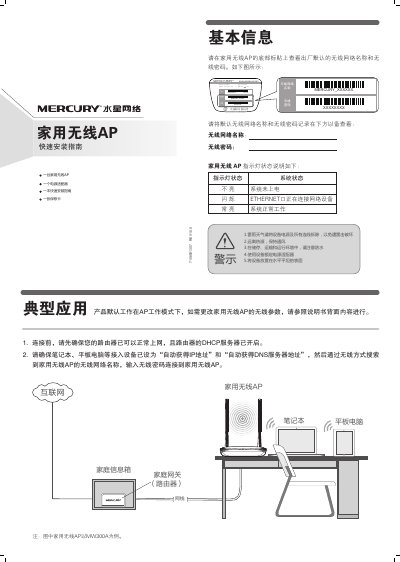
The guide provides basic information about the Mercury MW300A home wireless AP, including typical applications, safety warnings, and indicator light meanings. It describes how to connect the device to power (9 V 0.6 A) and Ethernet, and how to access the management interface at 192.168.1.254.
Step‑by‑step instructions cover configuring the SSID and password, setting IP addresses on client devices, and performing a hardware reset by holding the reset button for five seconds. Frequently asked questions address connectivity problems and password recovery. This manual is written in Chinese.
| Power Supply | 9 V 0.6 A |
|---|---|
| Management IP | 192.168.1.254 |
| Model | MW300A |
With the device powered on, press and hold the reset button on the back for 5 seconds until the indicator flashes five times; the AP will return to factory defaults.
Check that the router’s DHCP server is enabled, the computer is set to obtain IP and DNS automatically, and that the AP’s wireless function is turned on in the selected mode.