
The manual explains the MDA4‑1000M amplifier’s touch‑screen GUI, startup, standby, main page, volume controls, status indicators, presets and channel linking.
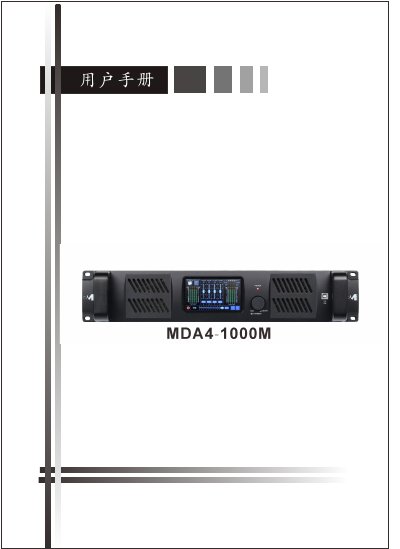
The MDA4‑1000M is a power amplifier equipped with a 480×272‑pixel touch LCD screen that can be operated via the graphical user interface or front‑panel encoder/buttons. This user manual provides step‑by‑step instructions for all functions.
Key sections cover the system startup page, standby page, main page, input and output VuMeter frames, status and power frames, input gain, channel link, navigation, preset loading, and channel source selection, including details on LED indicators and level ranges. This manual is written in Chinese.
| Screen resolution | 480×272 pixels |
|---|---|
| Input level range | -48 dBu ~ +14 dBu |
| Output level range | -48 dBu ~ +14 dBu |
| Input gain adjustment | -12 dB to +12 dB, 0.1 dB steps |
| Output volume range | -80 dB to 0 dB (V0.0‑V10) |
| Temperature protection limit | 85 °C |
| Continuous voltage limit | 70 V |
Use the gain slider to set the input gain between –12 dB and +12 dB in 0.1 dB steps.
A green LED shows the signal is within the –48 dBu to +9 dBu range.
Press the power icon on the screen or the power button on the front panel.