
Key facts
- Manuals
- 2
- Languages
- ZH
- Last added
- 2026-10-03
Featured MDA manuals
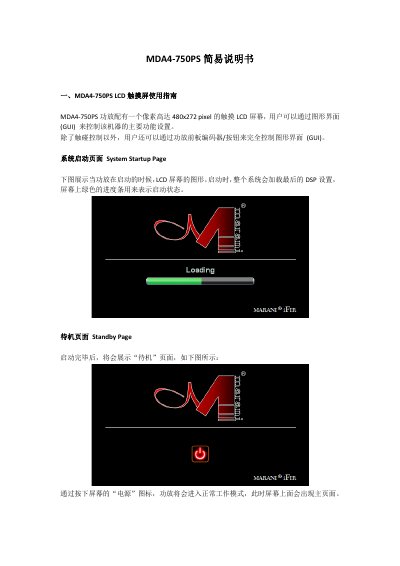
MDA MDA4-750PS Power Amplifier User Manual
This manual provides step‑by‑step instructions for operating the MDA4‑750PS power amplifier equipped with a 480×272‑pixel touch LCD. It covers system startup, standby, the main page, and how to monitor and adjust input and output levels, gain, and volume.
The guide also details navigation through preset pages, channel source selection, channel linking, and GUI button and slider controls, allowing users to fully configure the amplifier’s functions via touch or front‑panel encoders. This manual is written in Chinese.
Covers: LCD Touchscreen Guide · System Startup and Standby Pages · Main Page and Status Frames · Input and Output VuMeter Frames · Gain, Volume and Power Controls · Preset Management
Latest MDA manuals
MDA MDA4-750PS Power Amplifier User Manual
User Manual 77 pages · 2.3 MB · ZHThe MDA4-750PS manual explains the LCD touchscreen, channel controls, preset handling and volume settings for this power amplifier.
MDA Meta Trader 4.00 user manual
Which document do I need?
User Manual
Day-to-day operation, settings and troubleshooting. Start here if the product is already set up.
Questions answered in MDA manuals
How do I return to the main page from any screen?
Press the home button on the navigation frame to go back to the main page.
What is the step size for the output volume slider in the V4.0‑V10 range?
In the V4.0‑V10 range the volume changes in 0.5 dB steps.