
The MDA4-750PS manual explains the LCD touchscreen, channel controls, preset handling and volume settings for this power amplifier.
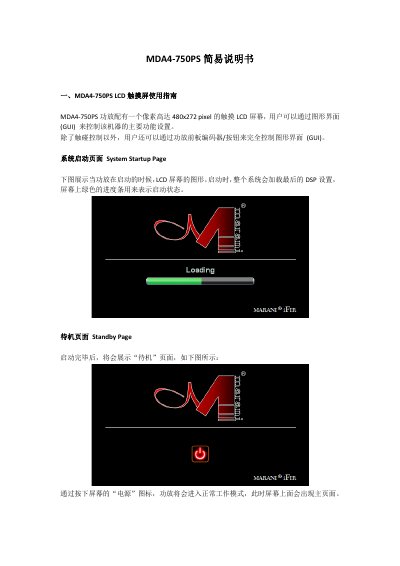
This manual provides step‑by‑step instructions for operating the MDA4‑750PS power amplifier equipped with a 480×272‑pixel touch LCD. It covers system startup, standby, the main page, and how to monitor and adjust input and output levels, gain, and volume.
The guide also details navigation through preset pages, channel source selection, channel linking, and GUI button and slider controls, allowing users to fully configure the amplifier’s functions via touch or front‑panel encoders. This manual is written in Chinese.
| LCD screen resolution | 480×272 pixels |
|---|---|
| Input level range | -48 dBu to +14 dBu |
| Output level range | -48 dBu to +14 dBu |
| Input gain adjustment range | -12 dB to +12 dB (0.1 dB steps) |
| Output volume range | -80 dB (V0.0) to 0 dB (V10) |
Press the home button on the navigation frame to go back to the main page.
In the V4.0‑V10 range the volume changes in 0.5 dB steps.