
Quick start guide for connecting the Maxim Integrated MAXREFDES36# IO-Link 16-channel digital input hub to a Balluff USB IO-Link master and Balluff software.
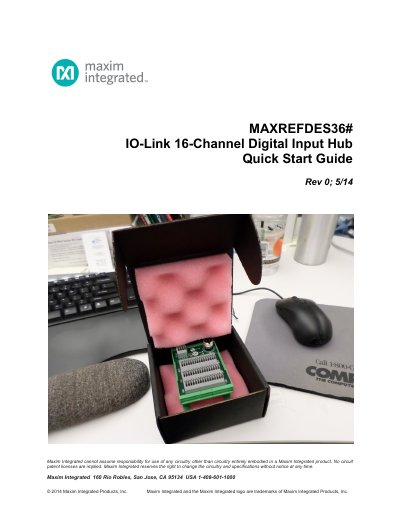
MAXREFDES36# is an IO-Link 16-channel digital input hub board. This quick start guide describes connecting the board to a Balluff USB IO-Link master and using the Balluff IO-Link Device Tool on a Windows 7 PC.
The guide lists required equipment, explains the included IODD files in RD36_RL78_V01_XX.ZIP, and walks through the procedure: connect the USB and yellow IO-Link cables, check that the green LED is lit, download and extract the design files, install the Balluff tool, add the board as a device, and press the online connection button.
| Product type | IO-Link 16-channel digital input hub |
|---|---|
| Digital input channels | 16 |
| IO-Link device descriptor file | IODD1.0.1.xml |
The guide lists a PC with Windows 7, the MAXREFDES36# board, a Balluff USB IO-Link master with USB and power cables, the Balluff IO-Link Device Tool, and a yellow IO-Link cable.
Make sure the green LED is lit; the red and yellow LEDs do not need to be lit.
The latest all design files RD36 V01_XX.ZIP are downloaded from www.maximintegrated.com/AN5879.
It contains the corresponding IO-Link Device Descriptor (IODD) files, which include communication properties, device parameters, identification, process, and diagnostic data.