
User guide for the Livescribe Paper Tablet application that turns an Echo smartpen and dot notebook into a computer input device.
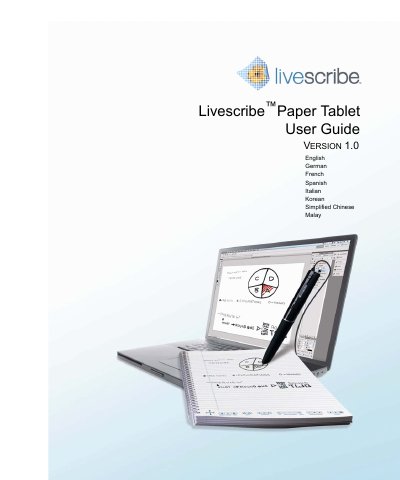
The Livescribe Paper Tablet enables your Echo smartpen to work as an input device on your computer. It lets you use the smartpen as a mouse and turns Livescribe dot notebooks into an extension of your computer screen.
The guide covers system requirements, installation, launching, setting up tablet pages, using the tablet with other applications, and adding ink signatures to documents.
| Supported smartpen | Echo smartpen with micro-USB cable, firmware 2.5 or higher |
|---|---|
| Required software | Livescribe Desktop version 2.3 or higher |
| Supported PCs | Windows XP with SP3, Vista (32-bit only), Windows 7 (32-bit or 64-bit) |
| Supported Macs | Intel-based Mac with Mac OS X 10.5.5 or higher |
| Dual-monitor behavior | Controls cursor on primary monitor only |
| Mac Photoshop compatibility | Not compatible with Mac OS version of Adobe Photoshop |
From the Main Menu, navigate to the Tablet application and tap right on Stop Paper Tablet. It also turns off automatically if the smartpen or computer is turned off or the cable is unplugged.
Typical users include presenters, editors, collaborators, and signers.
Yes, but it controls the cursor on the primary monitor only.
No, it is not compatible with the Mac OS version of Adobe Photoshop.