
The Livescribe™ Desktop for Windows User Guide is a user manual that provides instructions on how to use the Livescribe™ Desktop software. The software is designed for use with the Livescribe™ smartpen. This guide provides detailed information on the features and characteristics of the software.
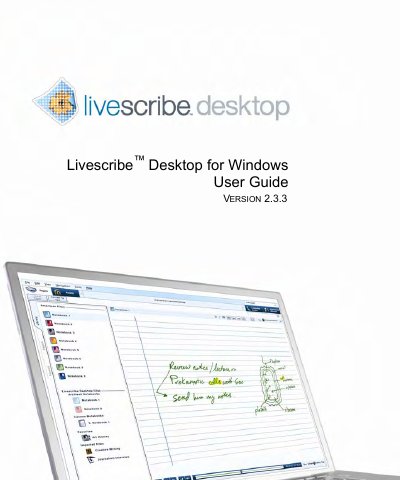
This guide provides step‑by‑step instructions for installing Livescribe Desktop on Windows, upgrading from earlier versions, and authorizing the software. It also covers basic operation, including launching the application, transferring content from a Livescribe smartpen, and configuring settings for both the application and the smartpen.
Additional sections describe advanced features such as Paper Replay, custom notebooks, sharing pages and audio to services like Evernote and Livescribe Online, managing smartpen storage, and troubleshooting common issues. A glossary of terminology and a FAQ are included for quick reference.
| Version | 2.3.3 |
|---|---|
| Supported Operating System | Windows |