
This guide introduces the Livescribe 3 smartpen, covering setup, pairing with mobile devices, pen features, and usage tips.
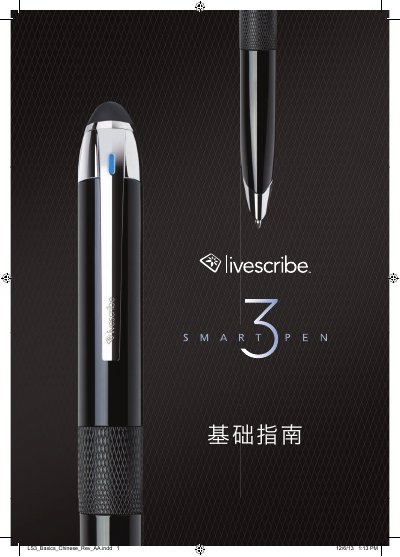
This document serves as a basic guide for the Livescribe 3 smartpen. It explains how to download the Livescribe+ application, pair the pen with iOS 7 or later devices via Bluetooth, and use the pen for note-taking. The guide details the pen's features, including the replaceable tungsten carbure tip and the integrated capacitive stylus for touchscreens.
The manual also covers the use of Livescribe dot grid paper to create Pencast files, which synchronize audio with handwritten notes. It provides troubleshooting steps for connection issues and explains the meaning of various icons and LED status indicators found on the device and within the application. This manual is written in Chinese.
| Operating System Requirement | iOS 7 or later |
|---|---|
| Pen Tip Diameter | 2.35 mm |
| Charging Port | Micro USB |
Turn on the pen by rotating the ring until the LED flashes green, then select 'Pair' in the Livescribe+ app.
It indicates the pen is turned on and waiting for a Bluetooth connection.
No, the Livescribe 3 does not support old Pulse, Echo, Sky, or Livescribe wifi pen tips.
The LED indicator will flash yellow three times to remind you that the remaining battery is about 15%.