
Lenovo 20HQ, 20HR, 20K3, 20K4 5th Laptop User Guide

The Lenovo 20HQ, 20HR, 20K3, and 20K4 5th laptops user guide provides safety information, setup instructions, and troubleshooting tips.
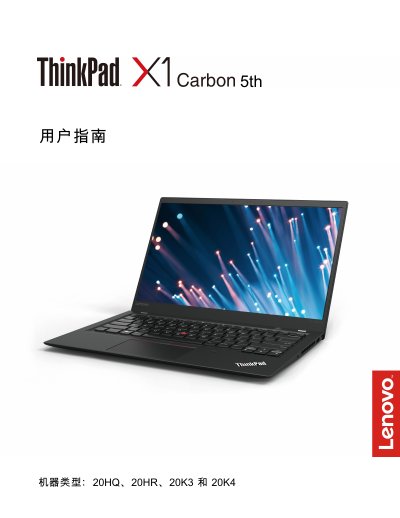

Lenovo 20HQ, 20HR, 20K3, 20K4 5th Laptop User Guide - cover page
Brand
Lenovo
Category
Other
Document type
User Manual
Language
Chinese
Pages
150
File format
PDF
File size
4.5 MB
Published
02 October, 2026
Updated
02 October, 2026
MD5 checksum
4981D872E7ED029E3380255903CCBF61

About this manual

This guide covers the Lenovo 20HQ, 20HR, 20K3 and 20K4 5th series laptops. It includes a product overview, hardware components, safety warnings, and regulatory information.

It provides step‑by‑step instructions for initial setup, operating‑system installation, using built‑in features such as the ThinkPad button, TrackPoint, Wi‑Gig dock, battery management, and detailed troubleshooting, maintenance, and recovery procedures. This manual is written in Chinese.

What's inside

  • Important Safety Information
  • Product Overview
  • Using the Computer
  • Advanced Configuration
  • Troubleshooting and Diagnostics
  • Recovery Information
  • Replacing Components
  • Support and Service

Frequently asked questions

What precautions are needed when using the AC adapter?

Do not touch the operating adapter with any part of your body, avoid using it to warm yourself, and keep it away from moisture.

Download PDF (4.5 MB)

More Lenovo Manuals


View all Lenovo manuals →