
The Lenovo M910z Service Manual provides an overview, specifications, and step‑by‑step instructions for locating indicators, connectors, and replacing CRUs…
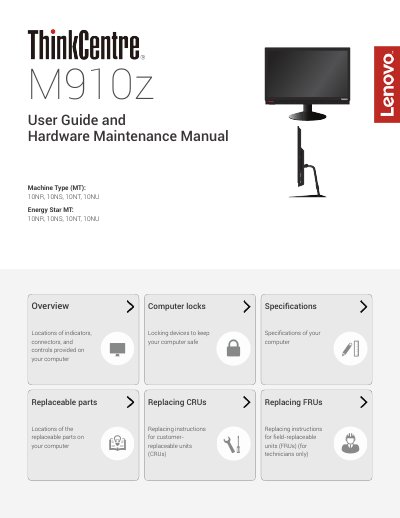
This manual covers the Lenovo M910z desktop computer, describing the locations of indicators, connectors, and controls, as well as replaceable parts and specifications. It includes sections for adjusting the monitor stand, UltraFlex II stand, and detailed instructions for technicians to replace customer‑replaceable units (CRUs) and field‑replaceable units (FRUs).
The document also lists computer lock options, provides a full specifications table, and contains safety notices and trademark information. It is intended for both end‑users and service technicians who need to service or upgrade the system.
| Power supply (standard) | 150 watt automatic voltage‑sensing |
|---|---|
| Power supply (optional) | 180 watt automatic voltage‑sensing |
| Maximum storage drives | Up to two storage drives |
| Physical width | 584 mm (23.0 inches) |
| Physical height | 390 mm (15.4 inches) |
| Physical depth | 45 mm (1.8 inches) |
| Maximum weight (with stand) | 10.3 kg (22.7 lb) |
It uses a 150‑watt automatic voltage‑sensing power supply, with an optional 180‑watt version.
Use the security‑lock slot to attach a Kensington‑style cable lock as described in the Computer locks section.
The computer measures 584 mm wide, 390 mm high, and 45 mm deep.