
Lenovo ThinkPad T560 and P50s user guide with safety, setup, battery, and support information.
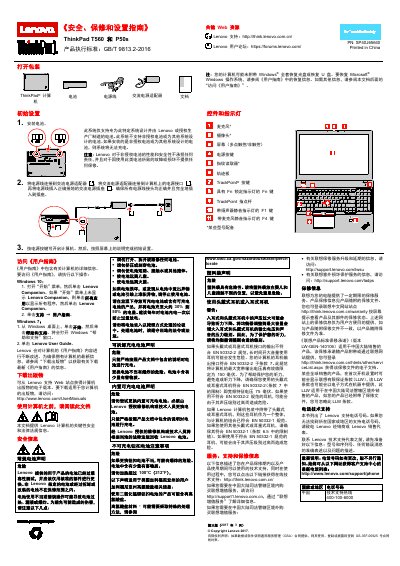
This guide provides safety and warranty information, unpacking instructions, and initial setup steps for the Lenovo ThinkPad T560 and P50s laptops. It explains how to install the battery, connect the power adapter, and start the computer.
The manual also describes the keyboard, trackpoint, indicator lights, and how to access the full online User Guide via Lenovo Companion or Windows Help and Support. Service, support, recycling, and environmental details are included at the end. This manual is written in Chinese.
| Battery compatibility | Only Lenovo authorized batteries |
|---|---|
| Power adapter | Use AC power adapter with proper grounding |
No, the system will not charge with non‑authorized batteries and Lenovo does not warranty them.
Visit http://www.lenovo.com/recycling or the compliance page on Lenovo’s website.