
Laird quick start guide for using a BTM511 development board in serial port profile to exchange serial data with a Windows XP PC and USB Bluetooth dongle.
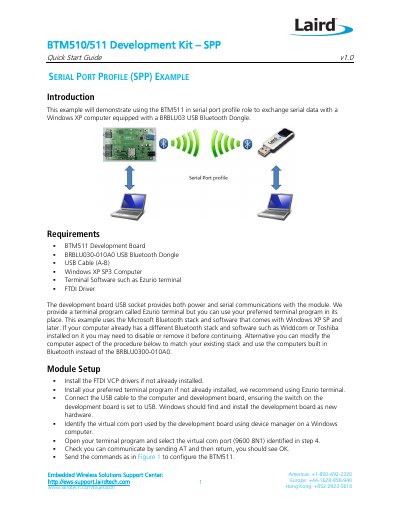
This Laird quick start guide, version 1.0 dated 20 June 2013, shows how to use the BTM511 development board in the serial port profile (SPP) role to exchange serial data with a Windows XP computer equipped with a BRBLU030-010A0 USB Bluetooth dongle. It begins with a list of requirements: the BTM511 development board, the USB Bluetooth dongle, an A-B USB cable, a Windows XP SP3 computer, terminal software such as Ezurio terminal, and the FTDI driver.
The guide then covers module setup over the board's USB socket at 9600 8N1 using AT commands, computer setup with the Microsoft Bluetooth stack, discovery and pairing with a chosen passkey, and opening a transparent data connection between two terminal windows. It also explains how to drop the connection with the ath command and lists resources for the FTDI driver, Ezurio terminal, support and the BTM511 user manual.
| Development board serial settings | 9600 8N1 on the virtual COM port |
|---|---|
| Pairing passkey used in the example | 1234 |
| Required computer operating system | Windows XP SP3 |
| USB Bluetooth dongle | BRBLU030-010A0 |
| Development board USB socket | Provides both power and serial communications |
Open your terminal program and select the virtual COM port identified in Windows Device Manager using 9600 8N1.
The guide recommends Ezurio terminal, but any preferred terminal program can be used instead.
Type ^^^ in the module terminal window to enter local command mode, then send ath; the module displays NO CARRIER 1101.
The BTM511 appears with a name such as Laird BTM 000006; you can refer to the ati4 command from the module setup if you cannot identify it.