
This user guide provides instructions for setting up, operating, and maintaining the Kodak EasyShare V603 digital camera, including shooting, editing, and…
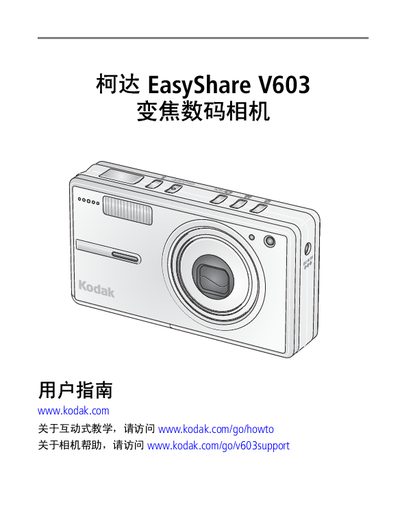
This manual covers the complete operation of the Kodak EasyShare V603 digital camera. It details how to set up the camera, including installing the battery and charging it, as well as configuring language and date/time settings. The guide explains how to use various shooting modes, such as Auto, Scene, and Panorama, and how to utilize features like optical zoom and flash. This manual is written in Chinese.
| Photo Resolution (Default) | 6 Megapixels |
|---|---|
| Video Resolution (Default) | 640 x 480 |
| White Balance Options | Auto, Daylight, Incandescent, Fluorescent, Outdoor Shade |
| Storage Media | SD or MMC cards |
It takes approximately 2 hours to charge the battery until all three charging indicator lights are lit.
The default photo resolution is 6 Megapixels, which is suitable for printing up to 50 x 75 cm.
Press the Auto/SCN button until the Scene icon appears, select the panorama mode, and take overlapping photos to be stitched together.