
This manual provides basic operating instructions for the Kodak EasyShare DX3700 digital camera. It covers how to take pictures, view pictures, customize camera settings, and transfer pictures to your computer.
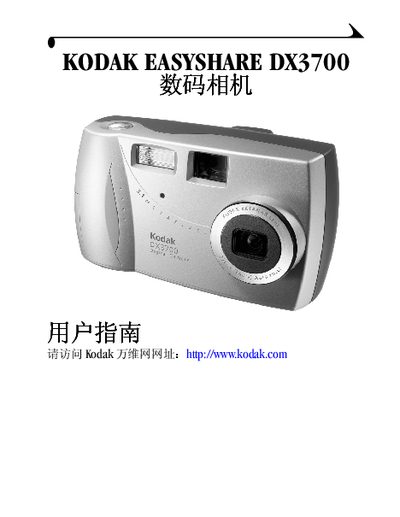
This guide introduces the Kodak EasyShare DX3700 digital camera, covering basic handling, button functions, and accessories such as the wrist strap, lens cap, and EasyShare dock. It walks you through powering the camera on, inserting batteries, and inserting an MMC/SD card.
Detailed sections show how to take photos, review images on the LCD, adjust image quality, use flash and digital zoom, install the Kodak Picture Transfer software, transfer pictures to Windows or Mac computers, and troubleshoot common issues. Appendices provide full specifications, battery information, and regulatory notices. This manual is written in Chinese.
| Dimensions | 118.7 x 69.5 x 45.8 mm |
|---|---|
| Weight | 210 g |
| Effective pixels | ≈60,000 |
| LCD size | 45.7 mm |
| ISO range | 100‑200 |
| Battery charging time | up to 10 seconds |
Select the menu option “格式化相机存储器或 MMC/SD 卡” to format the internal storage or the memory card.
The camera supports ISO values from 100 to 200.
Insert the battery pack into the camera and place the camera on the EasyShare dock, which supplies power for charging.