
This is a user manual for Kodak EasyShare C300 digital camera, which introduces the camera's usage method, including taking photos, recording videos, transferring photos, printing photos, etc.
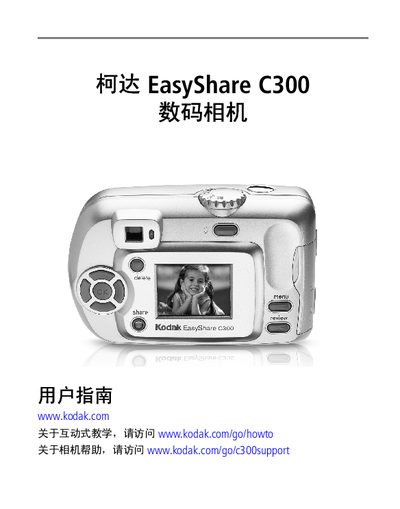
This manual guides users of the Kodak EasyShare C300 digital camera through initial setup, battery installation, date and time configuration, and memory card usage. It also explains the camera’s basic operation, including shooting still photos, recording video, using digital zoom and flash, and reviewing images on the LCD screen.
Additional sections cover transferring images to a computer via USB, printing photos, using the EasyShare docking station, and troubleshooting common issues. A specifications appendix lists key technical details such as sensor size, dimensions, and supported file formats. This manual is written in Chinese.
| Color depth | 24‑bit, over a million colors |
|---|---|
| Dimensions (W×H×D) | 104 mm × 65 mm × 41 mm |
| Weight | 147 g (without battery or card) |
| File format | JPEG/EXIF v2.2 for stills, QuickTime (Motion JPEG) for video |
| Flash modes | Auto, Fill‑in, Red‑eye reduction, Off |
| ISO speed (still) | Auto 100‑200 (140 with flash), video 100‑800 |
Turn on the camera, press the Menu button, highlight the Settings menu, then select Date/Time and press OK to adjust the values.
The camera can use a CRV3 lithium battery (non‑rechargeable), AA NiMH rechargeable batteries, or AA alkaline (ZR6) batteries.
Connect the camera to a computer with the supplied USB cable, install the EasyShare software, and use the program to copy images.
The camera has 16 MB of internal memory and supports additional storage via SD or MMC cards.