
The JM Vistec DLC-C2P6-D-E LED Current Controller User Manual provides safety, installation, wiring, operation modes, and specifications for machine‑vision…
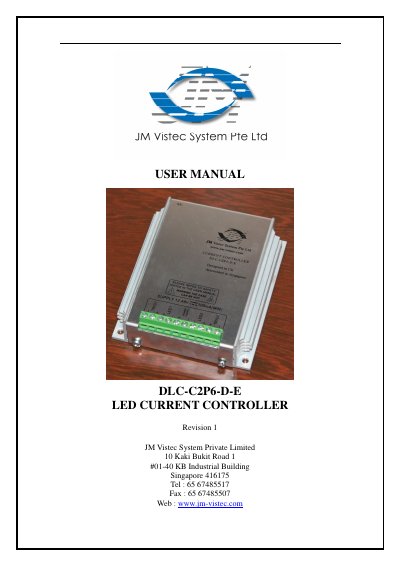
The DLC‑C2P6‑D‑E is a LED current controller designed for machine‑vision lighting applications. It delivers precise intensity control, supports continuous, pulsed and switched output modes, and can be configured via Ethernet commands. The manual covers safety precautions, mechanical fixing, heat dissipation, electrical connections, and detailed command usage.
Key sections include Safety guidelines, Mechanical Fixing instructions for DIN‑rail or surface mounting, Heat Dissipation calculations, Ethernet and terminal Connections, a description of Output Modes, a full list of Commands, and an Error Code Summary for troubleshooting.
| Digital supply voltage (PSU+) | 12V DC to 48V DC regulated |
|---|---|
| Supply current with no lights connected | 150 mA |
| Input enable level | 4.5 V to 24 V |
| Typical trigger input current | 3 mA at 4.5 V, 22 mA at 24 V |
| Maximum output current per channel | 2 A continuous or 6 A pulsed |
| Maximum power dissipation without heatsink | 8 W (max) |
Each channel can deliver up to 2 A continuously or 6 A in pulsed mode.
It can dissipate up to 8 W at 30 °C ambient, 6 W at 40 °C, or 4 W at 50 °C without a heatsink; higher dissipation requires a metal mount or a heatsink.
A straight‑through Ethernet cable is used when connecting to a switch, hub or router; a cross‑over cable can be used directly to a computer.