
Installation and operation guide for the Jandy AquaPalm Wireless Handheld Remote used with AquaLink RS systems.
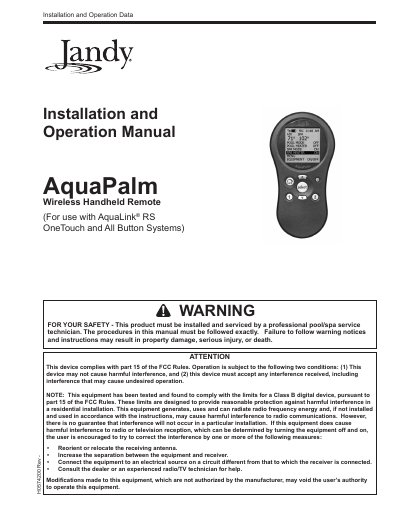
This manual provides safety instructions, product description, installation steps, and operation procedures for the AquaPalm Wireless Handheld Remote. It is intended for use with AquaLink® RS OneTouch and All Button pool/spa control systems and must be installed by a qualified technician.
The guide covers battery installation, frequency channel setup, menu navigation, and troubleshooting tips to ensure reliable wireless communication between the remote and the AquaLink RS Power Center.
| Battery type | 2 AA batteries |
|---|---|
| Remote dimensions (front view) | 3½" × 6¾" |
Press and hold the UP and DOWN arrows for three seconds to open the CHANNEL SETUP screen, then use the arrows to select the desired RF channel and press SELECT.
Open the battery chamber on the back of the remote, remove the old cells, and install two AA batteries with the correct polarity.