
This user manual provides instructions for setting up, connecting, and using the Jabra Speak 510 speakerphone, including charging, pairing with mobile…
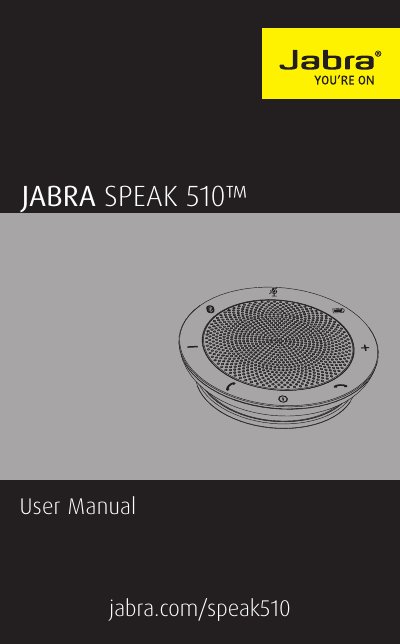
The Jabra Speak 510 is a portable speakerphone designed for wideband audio quality and exceptional sound. It features an omni-directional microphone and allows users to answer, end, reject, and mute calls. The device supports connections to PCs via USB or Jabra Link 360, as well as wireless connections to mobile devices and Bluetooth headsets.
| Weight | 195 g |
|---|---|
| Microphones | Omni-directional |
| Speaker | Dynamic, 50 mm |
| Bluetooth range | Up to 100 m (300 ft), Class 1 |
| Talk time | Up to 15 hours |
| Operating temperature | 5°C to 40°C (41°F to 104°F) |
| Bluetooth version | 3.0 |
You can plug the USB cable into a PC or press and hold the On/Off button for 2 seconds.
The device offers a talk time of up to 15 hours.
If prompted for a password, enter 0000.
Yes, you can connect a Bluetooth headset for privacy by holding the Bluetooth button for 8 seconds.