
User manual for the Jabra BIZ 2400 headset, covering parts, headband, ear hook and neckband wearing, phone connection, and care.
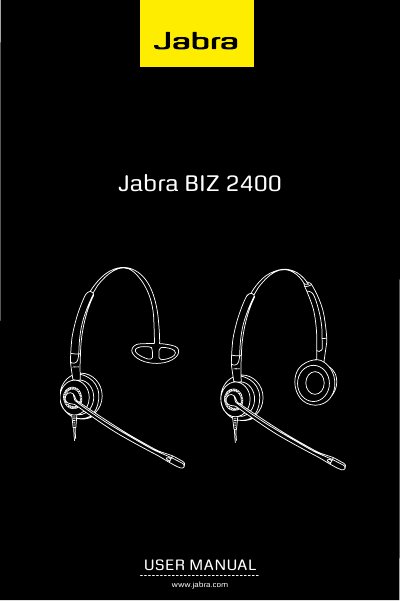
This user manual for the Jabra BIZ 2400 headset from GN Netcom A/S describes the headset parts and how to wear the headset with a headband, ear hook or neckband. It notes that the ear hook and neckband are included only with some Jabra BIZ 2400 models and are also available as accessories.
The guide explains connecting the headset to a phone or computer using the Quick Disconnect connector and adapter cords, including how to disconnect without ending a call. It also gives instructions for duo headset models and for care, cleaning and maintenance.
| Connector type | Quick Disconnect (QD) connector |
|---|---|
| Boom arm rotation | 360 degrees |
| Microphone position | Less than 2 cm from the front of the mouth |
| Ear hook sizes | Two sizes included with some models |
| Headband adjustment | Adjustable in length |
Plug the headset into an adapter cord suited to your phone system, unplug the handset, and connect the adapter cord to the handset port. If the phone has a headset port, connect the adapter cord directly to that port.
Adjust the boom arm so the microphone is positioned less than 2 cm from the front of your mouth.
Yes. You can disconnect the headset at any time without ending the current call by pulling the QD connectors apart.
Use a cleaning wipe designed for electronic and plastic equipment, and allow the parts to dry before replacing them.