
User manual for the ITECH IT8211 digital control electronic load, covering safety, operation, setup, and troubleshooting for testing power supplies.
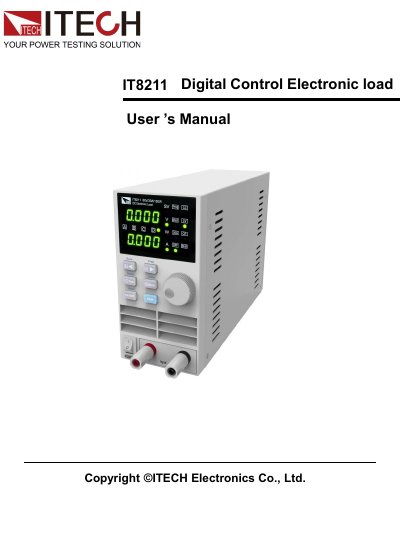
This manual provides instructions for the ITECH IT8211 digital control electronic load, a device designed for testing power supplies. It supports Constant Current (CC), Constant Voltage (CV), and Constant Resistance (CR) modes with a high-resolution display and programmable settings. The device features protection functions including Over Current (OCP), Over Voltage (OV), and Over Power (OP).
| Rated Capacity | 60V/30A/150W |
|---|---|
| Resolution | 10mV/1mA |
| Working Modes | CC/CV/CR |
| Preset Storage | 4*100 sets |
| List Mode Storage | 25*4 sets |
| Group Storage | 40 groups |
| Current Range High | 0 to 30A |
| Current Range Low | 0 to 3A |
| Max Short-Circuit Current | 1.2 times current range |
The IT8211 supports Constant Current (CC), Constant Voltage (CV), and Constant Resistance (CR) modes.
Press the Shift key, then press the 30A key to switch to the high range (30A), or press the 30A key again to return to the low range (3A).
The default Over Current Protection (OCP) setting is 30A.
The device can store 40 groups, with each group capable of storing 4 sets of current, voltage, or resistance values.