
Quick start guide for the IRIS Pro 5 color sheet‑fed scanner, covering installation, activation, use, maintenance and specifications.
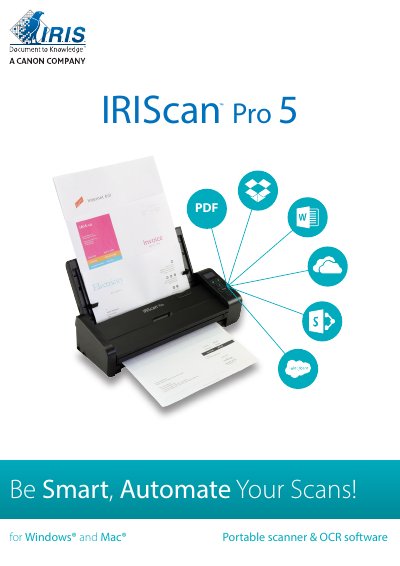
The IRIS Pro 5 is a portable color sheet‑fed scanner with an automatic document feeder. This quick guide helps you set up the hardware, install the required software, and start scanning right away.
The guide walks you through software installation, connecting the scanner, scanning documents, routine maintenance, troubleshooting, and provides the full technical specifications of the device.
| Model | IRIScan Pro 5 |
|---|---|
| Paper Feed | ADF 20‑page capacity |
| Scan Technology | Contact Image Sensor (CIS) |
| Optical Resolution | 600 dpi |
| Scan Speed | 20 PPM / 40 IPM (color, A4, 200 dpi) |
| Power Consumption (Operating) | < 24 W |
Download the software from www.irislink.com/start, install IRISmart File/Invoice and Readiris first, then install the IRIScan Pro driver and Button Manager.
Use the supplied micro‑USB cable: connect the scanner’s micro‑USB port to a USB port on the computer and power the scanner with the AC adapter.
It accepts documents from 50 × 50 mm (1.9 × 1.9 in) up to 216 × 356 mm (8.5 × 14 in).
Refer to section 8.1, which describes cleaning the scanner glass, separator pad and rollers with a soft, lint‑free cloth.