
The IRIS 3000® Digital Video Phone User Manual provides instructions for installing, using, and setting up the IRIS 3000® Digital Video Phone. It covers basic functions such as making calls, receiving calls, ending calls, and viewing status.
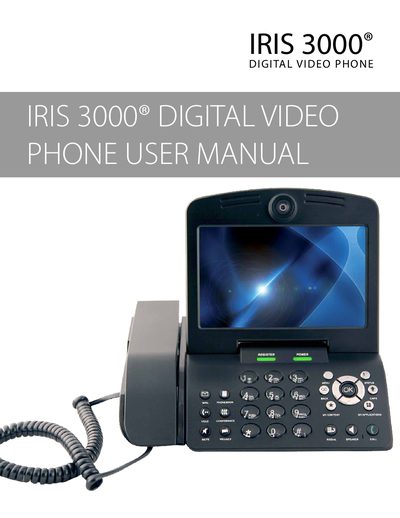
This manual guides you through installing the IRIS 3000 Digital Video Phone, connecting power, Ethernet and optional USB/SD storage, and registering the device with the IRIS 3000 service. It also describes the handset components, ports, and required internet speed.
The guide covers basic functions such as making and receiving calls, using the phonebook, call waiting, conference calls, volume control, digital photo frame, self‑view, and voice mail. A troubleshooting section lists common issues, warning messages, and steps to resolve registration or connectivity problems.
| Required internet upload speed | 256 kbps |
|---|---|
| Network connection | Ethernet (RJ‑45) |
| Video output | External monitor (TV or computer) |
| Audio output | External speakers or audio system |
Make sure the phone obtains an IP address, power‑cycle the modem, router and phone, and check that firewalls are not blocking required ports.