
User manual for IR's 2 Mega Pixel IP Camera, covering installation, remote access, configuration, and troubleshooting.
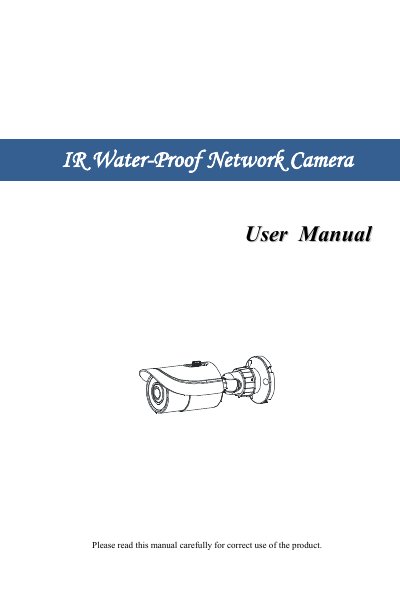
This manual provides step-by-step instructions for installing and configuring the IR 2 Mega Pixel IP Camera. It covers safety precautions, mounting, network setup, remote access via IE browser, and advanced settings like motion detection and IP configuration. The guide also includes troubleshooting tips for common issues such as password resets and ActiveX download failures.
The camera supports 1080P resolution, PoE power, and remote monitoring via smartphone or P2P. It is designed for use in high-risk surveillance environments and includes features like ICR auto-switch, 3D DNR, and ROI coding.
| Resolution | 1920 × 1080 |
|---|---|
| Video Encoding | 1080P(1920 × 1080)full real time coding |
| Power Supply | PoE |
| Night Vision | ICR auto switch, true day/night |
Reset the device to default factory settings using IP-Tool. Default username is 'admin' and password is '123456'.
Check network connection, ensure IP address is correct, verify web port number, or contact administrator.
Ensure an audio input device is connected and the audio function is enabled for the corresponding channel.