
User manual for ICOP's 15" resistive touchscreen panel PC powered by Intel® Apollo Lake processor.
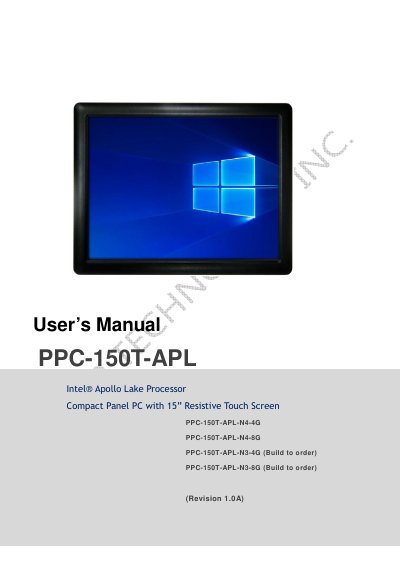
This manual provides installation, hardware setup, and BIOS configuration instructions for the ICOP PPC-150T-APL, a fanless, IP65-rated compact panel PC. It supports Intel® Apollo Lake N4200 or N3350 processors and runs Windows 10, Windows 10 IoT, or Linux. The guide covers mounting, storage installation, I/O ports, and BIOS settings.
Safety and environmental specifications are included, such as operating temperature (0~+60°C) and humidity (0%~90% non-condensing). The 15" XGA TFT LCD has LED backlight and 250 nits brightness. Touchscreen is analog resistive with 1 million durability cycles.
| CPU | Intel® Apollo Lake N4200 (Quad core) or N3350 (Dual core) |
|---|---|
| Memory | 4GB / 8GB DDR3L |
| Operating Temperature | 0~+60°C (+32~+140°F) |
| Protection Rating | IP65 front panel |
It uses Intel® Apollo Lake N4200 (Quad core) or N3350 (Dual core) processor.
It supports Windows 10, Windows 10 IoT, and Linux.
It operates between 0~+60°C (+32~+140°F).