
The HP Smart Tank 500 series printer user manual explains setup, printing, copying, scanning, ink management and troubleshooting.
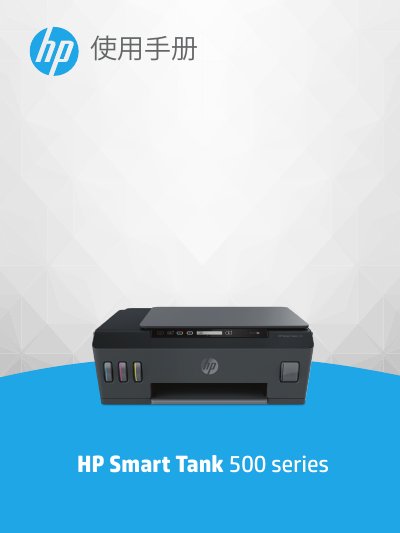
This manual provides step‑by‑step instructions for getting started with the HP Smart Tank 500 series printer, including an overview of printer components, the ink‑tank system and control‑panel functions. It also covers paper‑setting options, printing, copying and scanning procedures, as well as ink and print‑head maintenance.
Additional sections describe how to connect the printer via USB, resolve common issues, and provide technical specifications such as operating temperature ranges, paper capacities and scan resolution. The appendix contains regulatory and environmental information. This manual is written in Chinese.
| Recommended operating temperature | 15 °C to 30 °C (59 °F to 86 °F) |
|---|---|
| Storage temperature range | -40 °C to 60 °C (-40 °F to 140 °F) |
| Input tray capacity (plain paper) | Up to 100 sheets |
| Output tray capacity (plain paper) | Up to 30 sheets |
| Copy resolution | Up to 600 dpi |
The input tray can hold up to 100 sheets of plain paper.
The recommended operating temperature is 15 °C to 30 °C (59 °F to 86 °F).
Use a USB cable to connect the printer directly to the computer.