
This guide provides setup, printing, maintenance, and troubleshooting instructions for the HP Officejet 100 (L411) mobile printer.
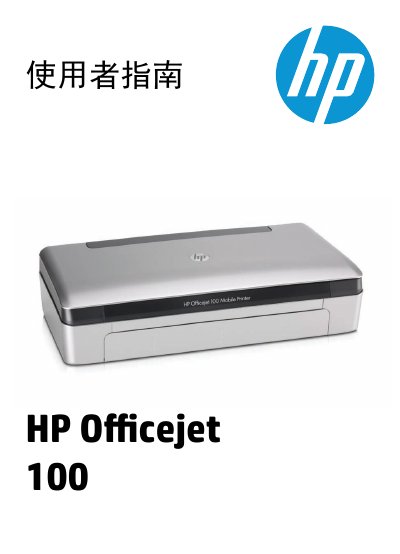
The HP Officejet 100 (L411) is a compact mobile inkjet printer designed for home and small‑office use. This user guide walks you through the essential steps to get the printer up and running, load media, install the optional battery, and connect to computers or mobile devices.
Key sections cover installing the printer, loading paper and envelopes, using Bluetooth and PictBridge, printing from Windows, macOS and mobile phones, maintaining ink cartridges, and troubleshooting common issues such as paper jams, print quality problems, and connectivity errors. This manual is written in Chinese.
Use the "設定 Bluetooth 無線連接" section to configure the printer’s Bluetooth wireless connection.