
A guide showing how to perform linear regression and forecasting calculations on the HP 12C calculator.
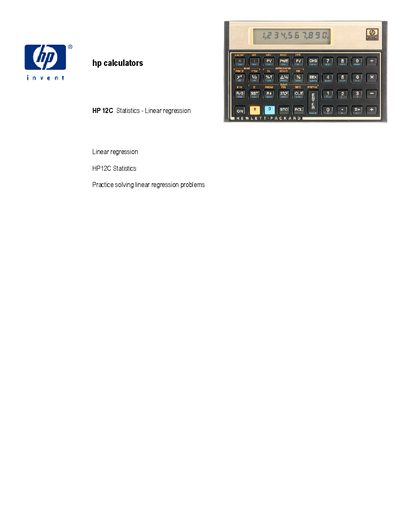
This document explains how to use the HP 12C calculator for statistical linear regression. It describes the method for finding the straight‑line coefficients (y‑intercept A and slope B) and notes that the correlation |r| equals 1 when only two points are entered. The guide also mentions that the calculator’s statistical summation functions are suitable for these computations.
Several worked examples illustrate the step‑by‑step key sequences needed to clear the statistics memory, enter data pairs, compute the intercept and slope, and forecast values. Example problems cover simple two‑point lines, lines that do not pass through the origin, and multiple lines for linear‑programming style analysis.
| Supported statistical functions | Linear regression, forecasting |
|---|---|
| Calculator model | HP 12C |
Enter the data pairs, clear the statistics memory, then press the sequence "1 gR" to compute the slope.
After computing the intercept and slope, clear the statistics memory, enter the desired y value, and press "5 gR" to obtain the corresponding x.
You should clear the statistics/summation memories on the calculator before entering new data.