
The HP Photosmart Pro B8300 series printer user guide provides setup, operation, maintenance and troubleshooting instructions in Chinese.
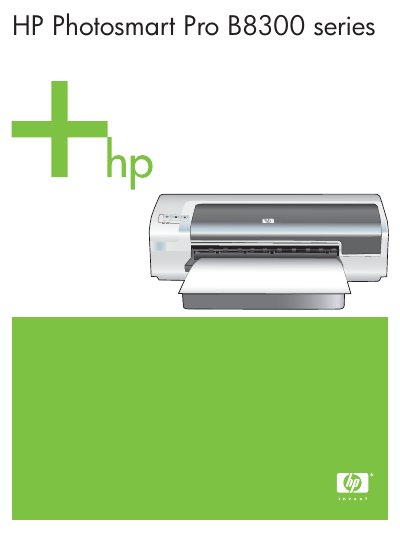
This guide covers everything needed to get the HP Photosmart Pro B8300 series printer up and running, from unpacking and quick‑start steps to detailed configuration for Windows and Mac OS. It also explains how to install printer software, connect via USB or network, and use optional accessories such as the automatic duplex module.
Later sections describe cartridge handling, paper loading, toolbox utilities, and extensive troubleshooting tips for common printing problems, along with specifications, regulatory information and warranty details. This manual is written in Chinese.
| Print resolution | 4800 x 1200 dpi |
|---|
Use the "安裝印表機軟體與共用印表機" section, which explains installing the printer software before connecting the printer.
Refer to the "列印墨匣的清潔" section for step‑by‑step cartridge cleaning instructions.
The guide lists supported paper specifications, sizes and weights in the "支援的紙材規格說明" and related sections.
Warranty and support details are provided in the "客戶支援服務與保固" chapter.