
This document provides the service manual for the HL HL989 sewing machine, detailing parameter settings and system adjustments.
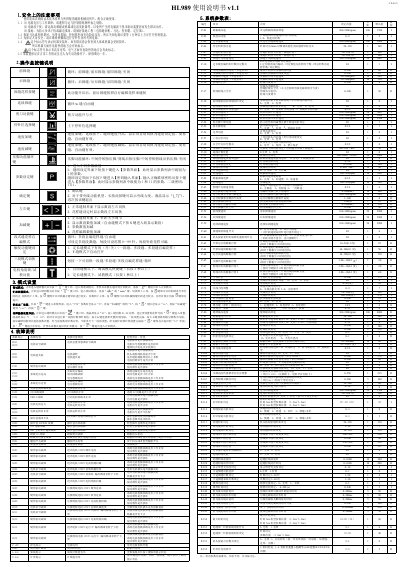
The HL HL989 is a computerized sewing machine featuring advanced functions such as front and back reinforcement stitching, automatic thread trimming, and programmable stitch patterns. The device includes a digital display with controls for speed adjustment, needle position selection, and various presser foot operations.
This manual focuses on the technical parameter settings required for maintenance and configuration. It lists over 150 system parameters (P-01 to P-155) covering motor speed limits, soft-start functions, thread tension adjustments, safety switch modes, and sensor calibrations for features like knee lifters and bird's nest prevention. This manual is written in Chinese.
| Pedal Maximum Speed | 200~5000(rpm) |
|---|---|
| Soft Start Function Range | 1~9 needles |
| Standard Reinforcement Speed Mode | 0: Auto; 1: Pedal Control |
| Bird's Nest Prevention Mode | 0: Clamping; 1: Anti-bird nest; 2: Thread puller |
The default maximum sewing speed is 4000 rpm.
The default maximum speed for the foot pedal is 3700 rpm.
The default soft start function begins sewing at a low speed for 1 stitch.