
This user manual provides installation, connection, and setup instructions for the Hikvision DS-3WR23-E wireless router.
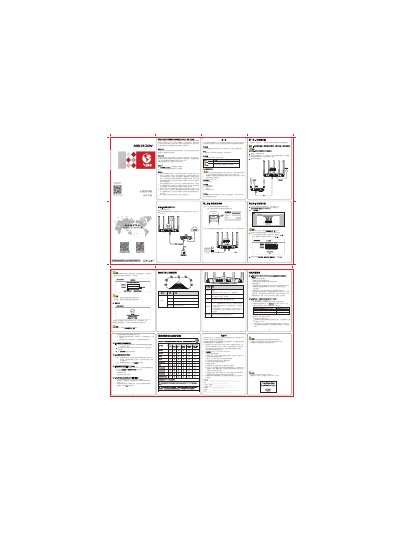
This document is the user manual for the Hikvision DS-3WR23-E wireless router. It guides users through product installation, network connection, initial configuration via the HIK-WiFi App or web interface, and common troubleshooting steps to ensure safe and stable operation.
The guide covers hardware identification including LED indicators and ports, step-by-step setup procedures such as importing credentials from an old router, configuring internet access methods (including PPPoE), and managing wireless settings. It also includes a FAQ section addressing login issues, connectivity problems, and factory reset procedures. This manual is written in Chinese.
Connect to the router and enter 192.168.0.1 or http://hikvisionwifi.local in your browser.
Press and hold the WPS/RST button for about 8 seconds until the indicator flashes, then release.
The device operates in temperatures between 0°C to 40°C with a relative humidity of (10~90)%RH.